
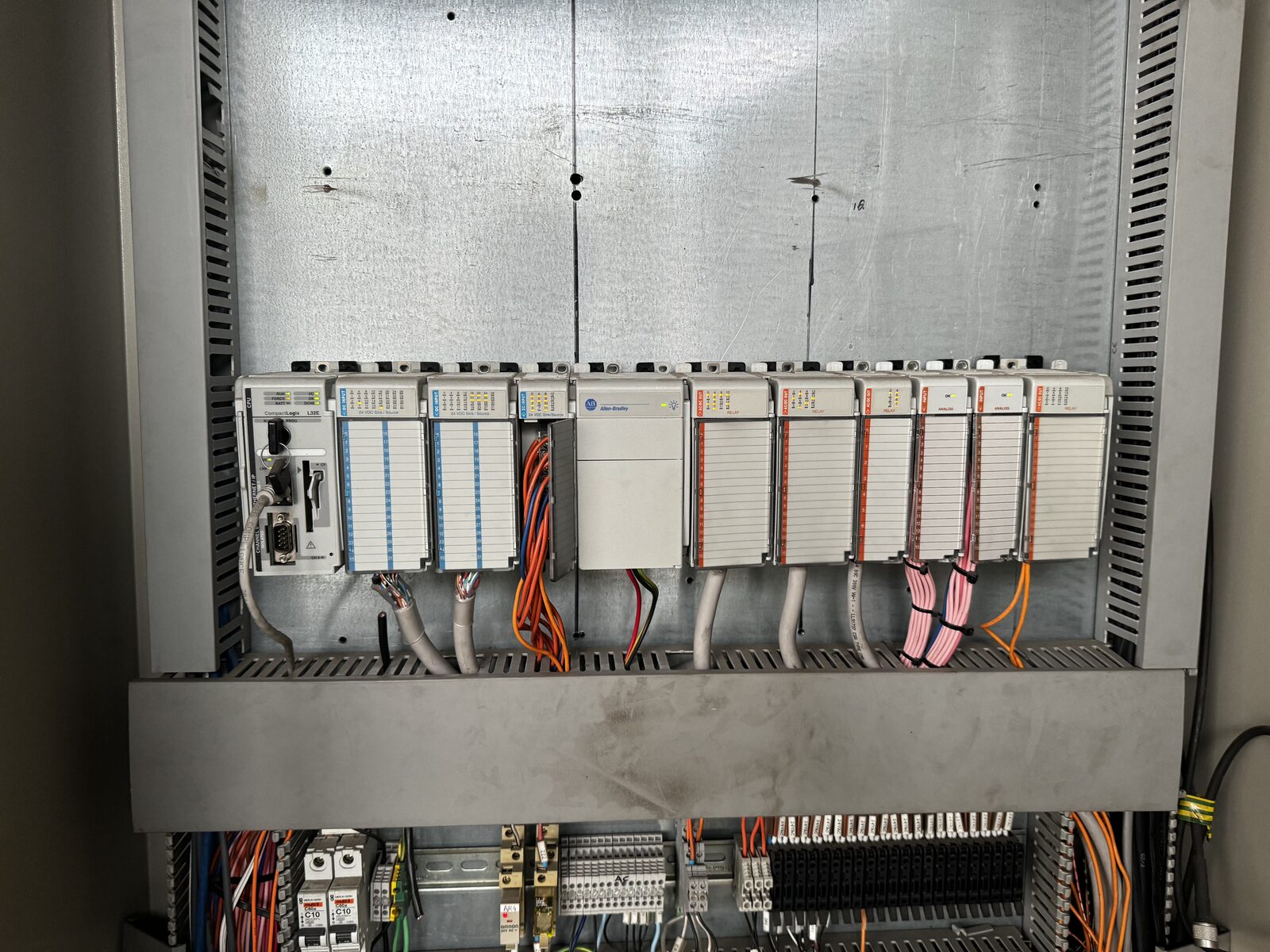
Control System Reverse Engineering & Rebuilds
Proprietary offline automation tools analyse existing PLC and SCADA systems, rebuild missing engineering data and documentation, and deliver runnable PLC and SCADA rebuilds for client review and testing, even when program files, SCADA projects or control documents are missing.
Missing files are not a barrier
Many plants run on systems whose PLC programs, SCADA projects or control documents are incomplete, out of date or lost. We work from whatever exists and reconstruct the rest.
What we work from
- Programs read back from the running controllers, with or without the original source files and comments
- SCADA screens, configuration, and alarm and event logs
- I/O, field wiring and device configuration
- Drawings, manuals and vendor documents in whatever state they are in
- What operators and maintainers know about how the plant actually runs
What is confirmed from the running system is recorded as confirmed; what is inferred is marked for your review.
Automation does the tracing, engineers do the judgement
Speed and cost savings come from automation. Proprietary tools carry out much of the analysis, data assembly and rebuild work that would otherwise be traced and re-entered by hand.
Engineering review, client confirmation and testing remain part of every delivery. Delivery time is reported from receipt of the existing system files to the first runnable system, with automated processing, engineering review and client confirmation each accounted for.
From the existing system to a working rebuild
You review and decide at each step. Work moves on when you have confirmed the step before it.
- 1
Analysis & reverse engineering
Offline automation tools analyse PLC programs, SCADA projects, configuration and whatever documents exist. Engineering review reconstructs equipment, logic and interface relationships.
You receive: A traceable baseline of the existing system, documentation gaps and open questions.
Your partReview the baseline and confirm the operating requirements. Rebuild work starts once they are confirmed.
- 2
Engineering data & documentation
Equipment, I/O, tags, control relationships, alarms, interlocks and cause-and-effect information are organised, and missing documents are rebuilt.
You receive: A structured engineering dataset, control descriptions and supporting lists and drawings.
Your partAnswer open questions as they come up.
- 3
PLC & SCADA rewrite
Modular control programs, consistent equipment data structures and high-performance SCADA are built to the confirmed operating requirements.
You receive: Runnable new PLC and SCADA applications.
- 4
Client trial
You operate the runnable system yourself: run equipment, view states, trigger alarms, and check sequences and diagnostics.
You receive: Hands-on experience of the new system before any site work.
Your partReturn an issue list: defects to fix and improvements you want. The next stage works from this list.
- 5
Fixes, improvements & virtual commissioning
Every item on the issue list is fixed or improved. The control system then runs against virtual equipment and process models to test normal, abnormal and recovery scenarios.
You receive: An updated system, test records, and a close-out record for every issue.
Your partWitness the virtual FAT and accept the results before site work is planned.
- 6
Site implementation & handover
Staged migration, cutover, SAT and handover, with support for later changes.
You receive: A maintainable system with updated documentation and engineering data.
Your partSign off SAT and take handover.
Structured Engineering Dataset & Control Documentation
The rebuild produces a structured engineering dataset and the control documentation that the existing system is missing, covering equipment, signals, control behaviour, alarms, interlocks and events.
Behaviour recovered from the existing program is recorded against the client's confirmed design requirements. Unsound logic, missing definitions and contradictions found in the original system become explicit change items.
- Asset & equipment structure
- I/O & tag data
- Control functional description
- Interlock & permissive list
- Alarm list
- Cause & effect
- Event & record definitions
- Interfaces & drawings
- Basis & confirmation status
What each part covers
| Asset & equipment structure | Site, area, system, equipment and instruments, their relationships, and consistent names and identifiers. |
|---|---|
| I/O & tag data | Physical signals, symbols and addresses, data types, units, ranges, scaling, sources and equipment ownership. |
| Control functional description | Operating modes, sequence steps, state transitions, start conditions, and stop and recovery behaviour. |
| Interlock & permissive list | Source conditions, applicable modes, trip conditions, affected equipment or actions, and reset and recovery requirements. |
| Alarm list | Source, meaning, trigger condition, setpoint, delay, deadband, priority, latching and suppression conditions. |
| Cause & effect | Links between causes, conditions, control actions, affected equipment, alarms and recovery. |
| Event & record definitions | What starts and ends a record, how it is cancelled, reset or retriggered, and where timestamps and reason codes come from. |
| Interfaces & drawings | PLC, SCADA and device relationships, communication point lists, network structure and in-scope engineering drawings. |
| Basis & confirmation status | Data source, revision, confirmed and derived items, and open questions. |
A data foundation for digitalisation
Reliable digitalisation starts with well-defined plant data. Exka rebuilds equipment structures, tag definitions, alarms, interlocks and event-recording logic alongside the control system, giving reporting, asset management, MES and analytics platforms a consistent and traceable source of operational information.
| Plant data problem | What the rebuild resolves | Value for digitalisation |
|---|---|---|
| Inconsistent tag names, unclear equipment ownership | One asset hierarchy, naming convention and equipment model | Equipment and data can be related across systems |
| Inconsistent units, scaling and state meanings | A data dictionary and explicit state definitions | Fewer misinterpretations and repeated mappings |
| Unclear triggers for downtime, running and production records | Rules for start, end, cancel, reset and reason codes | Events and statistics can be traced |
| Unclear links between alarms, interlocks and stop reasons | Alarms, interlocks, control actions and cause and effect linked | Fault investigation and downtime analysis |
| Communication loss, stale and invalid values not flagged | Data quality and time information defined at acquisition and interfaces | Upper systems can tell whether data is usable |
| Data structures diverging project by project | Maintainable equipment structures, interface definitions and version records | Multiple systems, sites and later expansion |
The data foundation of the new system and the clean-up of existing historical data are scoped as separate pieces of work.
Operate the rebuild before site work
Clients receive a runnable PLC and SCADA rebuild to operate and inspect before any site work, and confirm control behaviour, screens, alarms and diagnostics for themselves.
Scenarios clients can run
- Normal start and stop
- Auto / manual changeover
- Sequences
- Interlocks
- Alarm acknowledge and reset
- Equipment faults
- Communication failures
- Recovery to normal operation
- Event recording
The test scope is defined for each project.
Digital twins & virtual commissioning
Offline processing and live testing work together. Engineering analysis and rebuild run with no internet connection, while closed-loop testing runs the PLC, SCADA and virtual equipment models together on an isolated local network. Virtual test results and site SAT are recorded separately.
Audit & Obsolescence Review
Control-system review for sites needing a clearer view of risk, supportability and upgrade priorities.
Typical scope
- PLC and SCADA condition review
- Software, backup and documentation review
- I/O, field-device, motor-control and communications review
- Obsolescence and spare parts review
- Alarm, fault and diagnostic review
- Risk-ranked upgrade and support recommendations
- Staged migration or upgrade planning where full replacement is not immediately practical
Start from what you have
Tell us about the existing PLC and SCADA, roughly how large the system is and what documentation exists. A first enquiry does not need project files; how files are exchanged and processed offline is agreed during project discussions.